
Linux Essentials is worth it if you are new to Linux, want a low-cost first credential, and need proof that you can learn. It is not worth it as your main credential for a cybersecurity job. Employers hiring for security roles look for Linux skills they can see, and for stronger certifications on top of them. Treat the exam as a confidence-building first step, then move to a credential and hands-on practice that match the job you want.
This guide covers what the exam is, what it costs, how hard it is, what U.S. employers actually weigh, and who should skip it.
TL;DR
- Linux Essentials is an entry-level LPI exam with no prerequisites, 40 questions, a 60-minute limit, and a lifetime validity period.
- The voucher lists at $110.00, with a web price of $104.50, so the financial risk is small.
- Most Linux job postings do not require a certification, and the security roles that do tend to ask for stronger credentials.
- It makes sense for true beginners, career changers who want structure, and veterans moving from non-technical roles. It adds little if you already administer Linux systems.
- The skill matters more than the certificate. Pair it with labs and a security-focused certification such as Security+.
Table of Contents
- What Linux Essentials actually is
- What it costs in the United States
- How hard is the exam for a beginner?
- How long to prepare
- What employers actually value
- How Linux skills apply to entry-level security work
- Who should take it, and who should skip it
- Our perspective
- A practical path from Linux basics to a security job
- Where our training fits
- Frequently asked questions
- Sources
What Linux Essentials actually is
Linux Essentials is the entry-level certification from the Linux Professional Institute (LPI), a nonprofit that certifies Linux and open source skills. According to the exam delivery page, the certification has no prerequisites, a 40-question exam with a 60-minute limit, and a lifetime validity period. You pass one exam and you are certified, with no renewal cycle to track.
The exam tests foundational knowledge rather than job tasks. The objectives cover the open source community and licensing, finding your way around a Linux system, working at the command line, how the operating system is put together, and basic security and file permissions. That is a vocabulary and mental-model exam. It checks that you know what a process is, what a permission string means, and which command does what. It does not ask you to repair a broken server.
That distinction shapes the answer to the keyword question. If you want a structured introduction and a checkpoint, the exam fits. If you want to prove you can work as a Linux administrator or security analyst, it does not go far enough on its own.
What it costs in the United States
The Linux Essentials exam voucher is listed at $110.00, with a web price of $104.50. Prices can change, so confirm the current figure at checkout. There is no annual fee and no renewal, which sets it apart from most security credentials.
Compare that with what you might spend elsewhere on the path:
| Item | Typical cost | Renewal |
|---|---|---|
| Linux Essentials exam voucher | $110.00 list price | None, lifetime validity |
| Self-study with free documentation and a home lab | Time only | None |
| Our Linux Fundamentals mini-course | See the course page | None |
| Our CompTIA Security+ 701 on-demand course | $2,499.99 one-time | Per CompTIA’s renewal terms |
| Our CompTIA Security+ SY0-701 live course | $2,999.99 one-time | Per CompTIA’s renewal terms |
The exam fee is the cheap part. The real cost is the weeks of study, and whether those weeks could go toward something with more weight on a resume.
How hard is the exam for a beginner?
For someone who has used a terminal even a little, the exam is approachable. Candidates in public forum threads describe a short, manageable test, with some saying they finished in a fraction of the allotted hour. Treat those reports as anecdotes, since forum posts reflect people who already knew some Linux.
The difficulty comes from breadth, not depth. You will meet questions on licensing, distributions, directory layout, file permissions, basic networking settings, and command options across a wide range of topics. Beginners most often struggle with three things:
- Permissions notation. Reading and changing read, write, and execute bits for owner, group, and others, in both symbolic and numeric form.
- Command recall. Knowing which tool lists processes, searches text, or compresses files, and what its common options do.
- Open source background. Licenses, projects, and distribution families are easy to skim past and show up on the exam.
If you have never opened a terminal, expect the first week to feel slow. That is normal, and it passes once you type commands every day instead of reading about them.
How long to prepare
There is no official study clock, so plan by hours rather than a fixed schedule. A reasonable range for a complete beginner is a few weeks of steady practice, an hour or so on most days. Someone who already uses Linux at work may need only a review of the objectives and a few practice tests.
What works:
- Run a real system. Install a common distribution in a virtual machine and do everything there for the study period. Reading about
chmodis not the same as breaking something with it and fixing it. - Follow the published objectives. LPI posts the exam objectives. Turn each one into a task you can do from memory.
- Practice under time pressure. Forty questions in an hour is generous, but timed practice exposes the topics you are guessing at.
- Write notes in your own words. Short summaries of what each command does retain better than copied tables.
The version of the exam can change as LPI updates its objectives, so check LPI’s current objectives before you buy study material.
What employers actually value
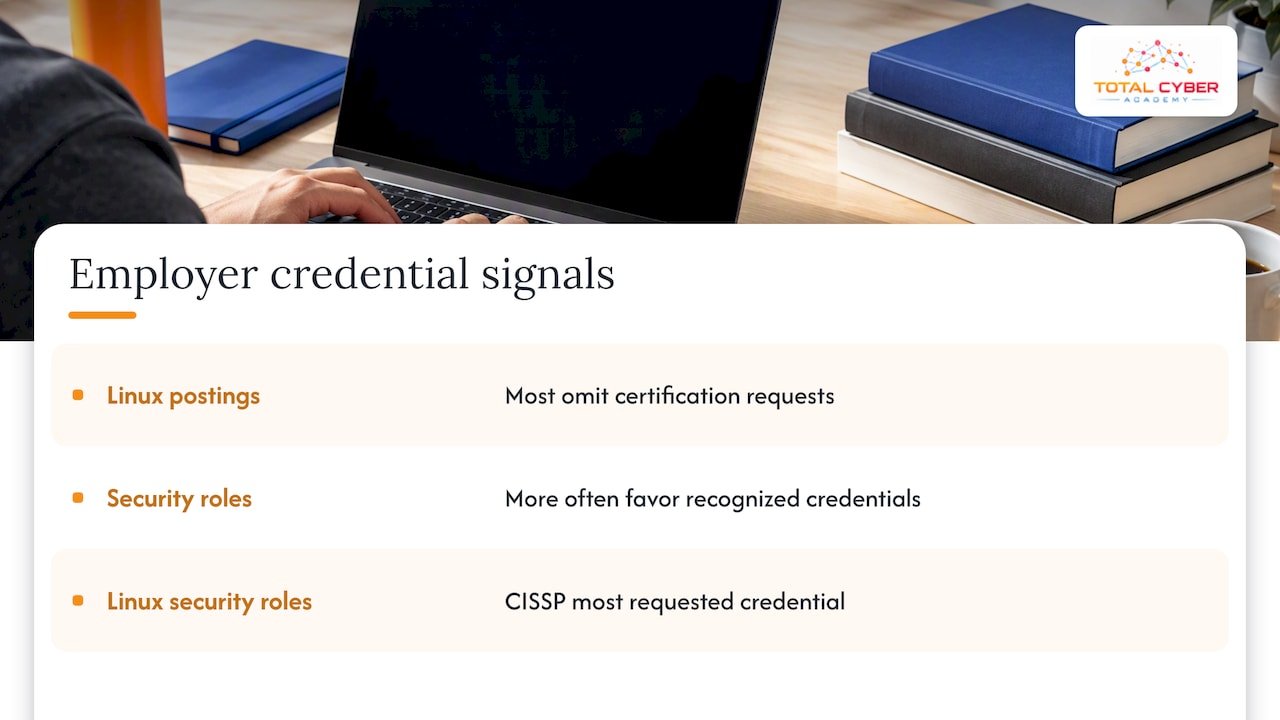
The most useful evidence here is job posting data. An analysis of early 2026 postings found that most Linux-related job postings did not explicitly request a certification, while security-focused roles more often favored candidates with recognized credentials. The same analysis found certification stacking is common in security roles, with CISSP the most requested credential for Linux-related security positions.
Read that carefully. Linux Essentials is not what those postings are asking for. Hiring managers screening for a SOC analyst or security engineer usually look for hands-on Linux ability, networking knowledge, and a recognized security certification. One industry roundup describes Linux Essentials as a confidence builder rather than a heavy-hitting resume credential, which matches what we see.
The skill is what carries weight. Linux runs much of the server, cloud, and security tooling that analysts and engineers touch every day, so being comfortable at a shell shows up in interviews, take-home labs, and on-the-job speed. The certificate is a modest way of saying you started.
How Linux skills apply to entry-level security work
SOC analysts read logs, query SIEM platforms, trace processes, and investigate hosts, and much of that happens on Linux systems. A published SOC analyst roadmap lists networking fundamentals, operating system knowledge for both Linux and Windows, and familiarity with security tools such as SIEM platforms as core for beginners. Linux Essentials covers part of the operating system piece and none of the rest.
In practice, the Linux skills that pay off in entry-level security roles are:
- Navigating the file system and reading logs with
grep,less,tail, and pipes. - Understanding users, groups, and permissions well enough to spot a misconfiguration.
- Reading process lists and network connections on a host.
- Writing short shell scripts to repeat a task.
- Using a package manager and understanding what is installed and why.
The exam touches the first two and lightly the rest. For a deeper look at what employers expect, see our guide to Linux skills for cybersecurity, and our breakdown of entry-level cybersecurity jobs and the SOC analyst skills hiring managers test.
Who should take it, and who should skip it
Take it if:
- You are new to IT and want a structured, low-cost introduction with a clear finish line.
- You are a career changer who needs to show momentum to yourself and to a hiring manager.
- You are a veteran moving from a non-technical specialty and want a first credential before committing to a larger program.
- You plan to follow it with Linux, cloud, or security certifications and want an easy first win.
Skip it, or treat it as optional, if:
- You already administer Linux systems. Your experience is stronger evidence than the exam.
- You have limited time and money and your goal is a security job. Going straight to a security certification and labs is usually a better use of both.
- You want the certificate to carry your resume. It will not do that alone.
One further point for those aiming at cloud work: the roundup cited above suggests that pairing a Linux certification with a cloud credential may increase earning potential. That is an industry opinion, not a guarantee, but it points the right way. Linux is a foundation, not a destination.
Our perspective
We train veterans, career changers, and IT professionals for cybersecurity roles, and we see the same pattern every cohort. The students who struggle in a security course are rarely the ones who lack a certificate. They are the ones who have never lived in a terminal. When someone cannot comfortably move around a Linux system, every lab in penetration testing, log analysis, or cloud engineering takes twice as long, and confidence suffers.
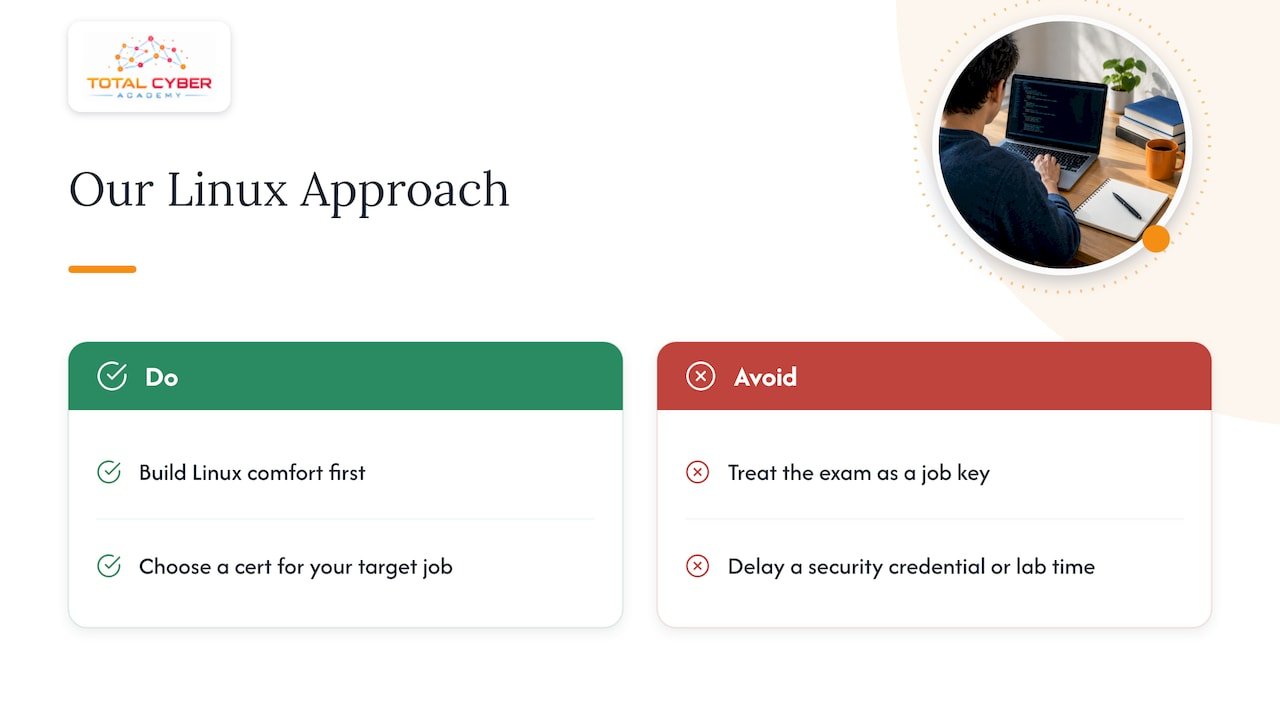
So we do not tell people Linux Essentials is a waste, and we do not tell them it is the key to a job. We tell them the skill is non-negotiable and the exam is one optional way to build it. If a $110.00 exam gives you a deadline and a study plan, it is worth it. If it delays your move toward a recognized security credential and real lab time, it is not.
Our approach puts practical skill ahead of exam-only preparation: hands-on labs, instructors who can answer questions, live tutoring sessions, and mentorship from active cybersecurity professionals. For students starting from zero, we suggest building Linux comfort first, then choosing the certification that matches the job title they want. Our certification roadmap and our guide to six career paths for career changers lay out that sequence.
— Alden
A practical path from Linux basics to a security job
Here is the order we recommend to most beginners.
- Get comfortable in a terminal. Spend two to four weeks on a virtual machine with daily practice. Our Linux Fundamentals mini-course is built for this stage.
- Decide whether the Linux Essentials exam helps you. If you need the structure and the deadline, book it. If not, skip it and keep practicing.
- Learn networking and security fundamentals. This is where entry-level security hiring really begins, and where most beginners need the most help.
- Earn a recognized security certification. For most people targeting SOC, help desk-to-security, or junior analyst roles, that means Security+, often followed by CySA+ for analyst work.
- Build proof of skill. Home labs, capture-the-flag events, and documented investigations carry weight in interviews.
- Plan the longer arc. Some credentials, such as CISSP, carry experience requirements. See how to approach CISSP without experience before you plan that far ahead.
Where our training fits
If your goal is a cybersecurity job rather than a Linux certificate, we can help you go straight to the credentials employers ask for, with labs behind them. Our CompTIA courses and EC-Council courses are offered on demand and as live instructor-led classes. Examples from our published list:
- CompTIA Security+ 701 on-demand course: $2,499.99, one-time payment.
- CompTIA Security+ SY0-701 live course: $2,999.99, one-time payment.
- CompTIA Network+ (009) on-demand course: $2,499.99, one-time payment.
- CompTIA CySA+ v3 on-demand course: $2,499.99, one-time payment.
If you want a longer, career-oriented track, our Cybersecurity Engineer, Penetration Tester, IT Operations Specialist, and Cloud Engineer programs are structured around job roles. We do not publish prices for the programs, so check the page or talk to our team for details.
Frequently asked questions
Is the Linux Essentials certification worth it for getting a job?
By itself, rarely. Most Linux job postings do not request a certification, and security postings lean toward stronger credentials. It helps most as a first milestone for someone with no IT background, paired with hands-on practice and a security certification.
Does Linux Essentials expire?
No. The exam delivery page lists the validity period as lifetime, so there is no renewal fee or continuing education requirement. Check LPI for any change if the exam version updates.
Is Linux Essentials hard to pass?
Not for someone who practices in a real terminal for a few weeks. The exam has 40 questions and a 60-minute limit, and the challenge is breadth across topics rather than any single difficult skill. Complete beginners should expect to spend the most time on permissions and command options.
Should I take Linux Essentials or Security+ first?
If you are comfortable with computers and want a security job, start with Security+ and learn Linux alongside it through labs. If you have never used Linux or a command line, spend a few weeks on Linux basics first, with or without the exam. The order matters less than finishing both.
Can veterans use benefits for Linux Essentials?
Benefit eligibility depends on the program and the provider, and the rules differ by benefit. Check with the VA or your school certifying official before you pay for any exam or course. Our team can also talk through options for our own courses.
Sources
- LPI exam information, Pearson VUE
- Linux Essentials exam voucher, Pearson VUE government store
- Do Linux Certifications Actually Matter? What Job Posting Data Reveals
- Best Linux Certifications in 2026 to Boost Your Career
- SOC Analyst Roadmap 2026